The software

Everything it does, and why

Six areas, each with a page behind it. Nearly all of this came from someone standing at the back of a church saying “that doesn’t work when the preacher moves on”.

01

Finding a verse

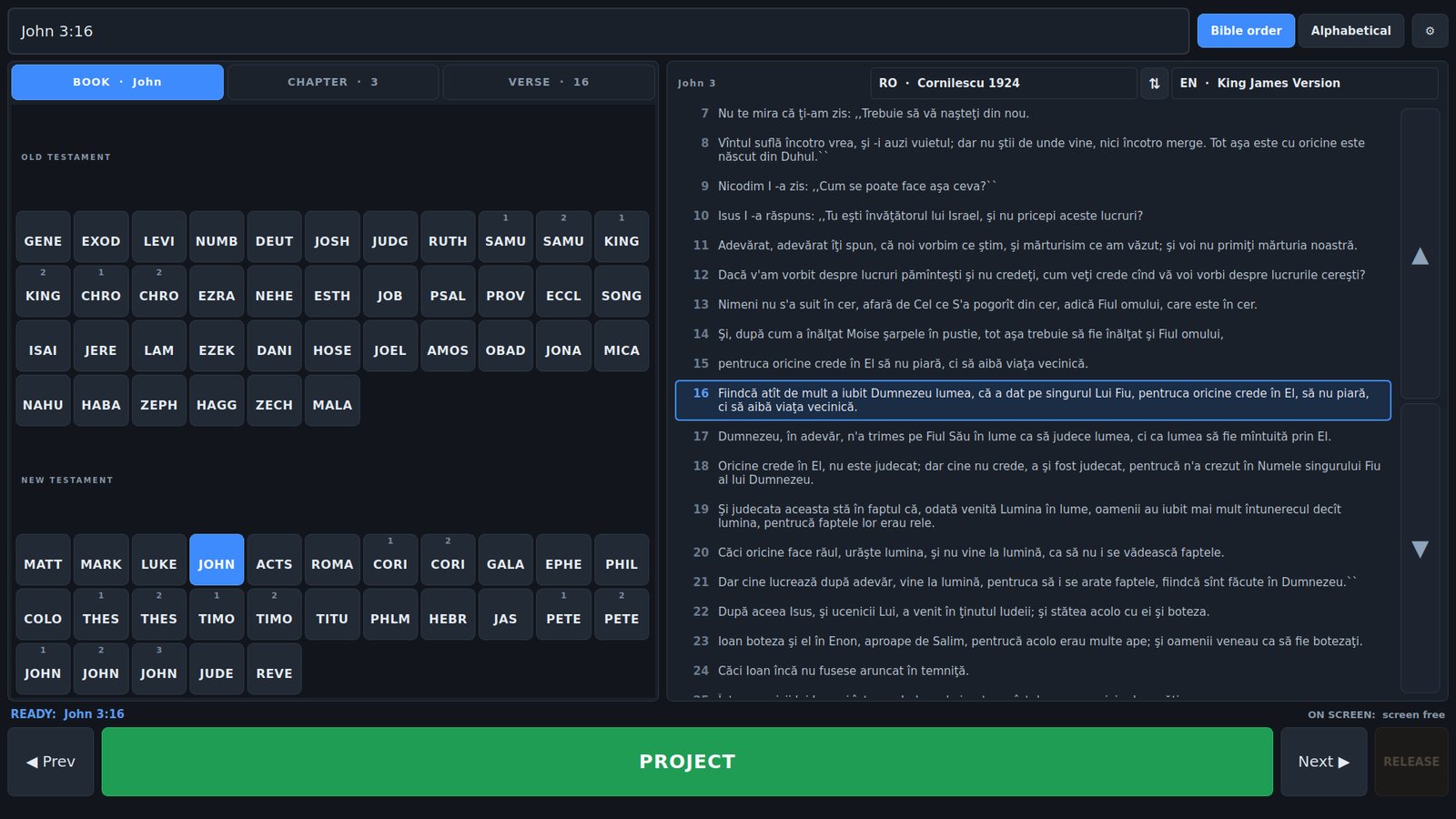
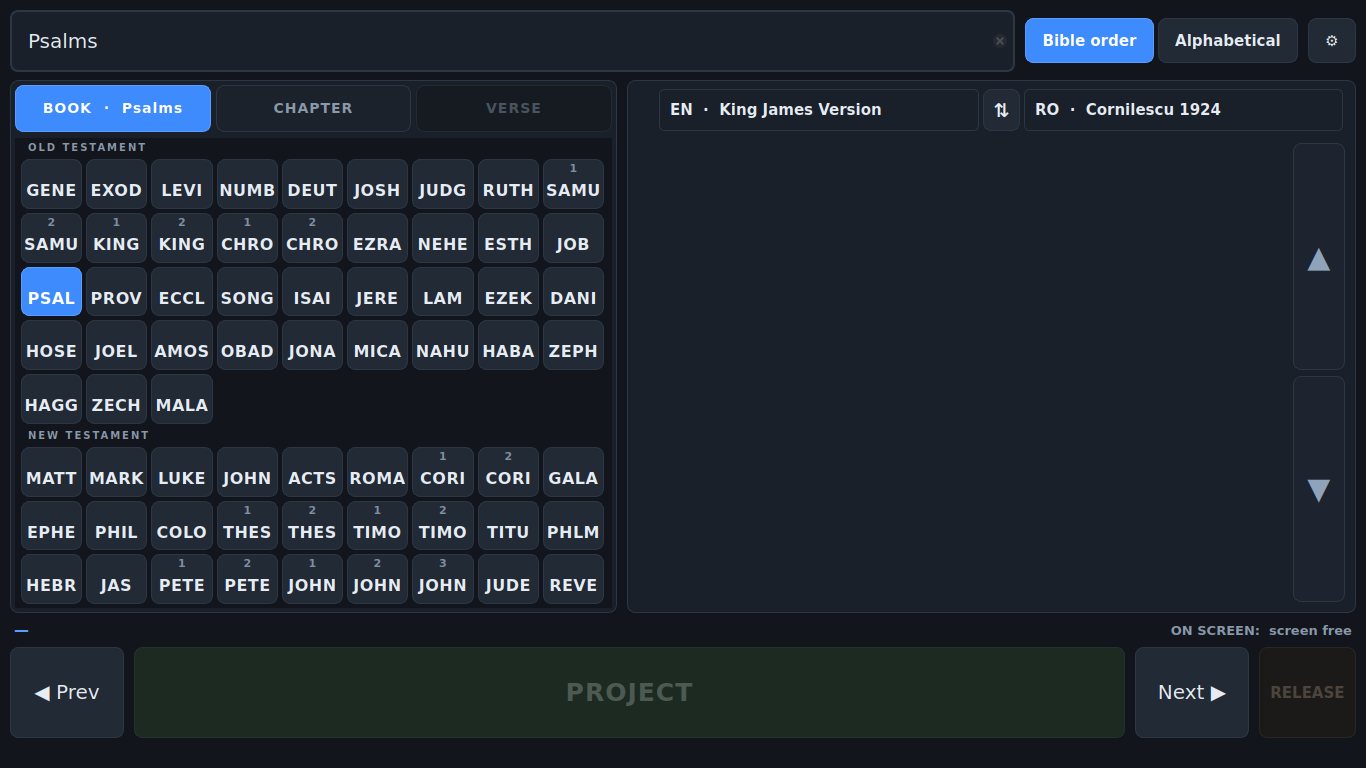
Book, chapter, verse — three taps, all 66 books visible together, and nothing anywhere that scrolls. The targets are big because each step gets the whole panel to itself.

  • Four-letter book codes, all 66 on screen at once
  • One step at a time, so every step gets the full width
  • Type mat 3 16 and press Enter
  • Double-tap a verse in the passage to put it up
How it works →

All 66 book buttons on screen at once as four-letter codes.
02

Projecting

The projector screen is borrowed rather than occupied. Drive as many screens as the PC has, each showing something different.

  • Nothing on the projector until you project; Esc gives it back
  • Every screen configured separately — languages, order, colours
  • Each language with its own font, colour and size
  • No black slide, ever

How it works →

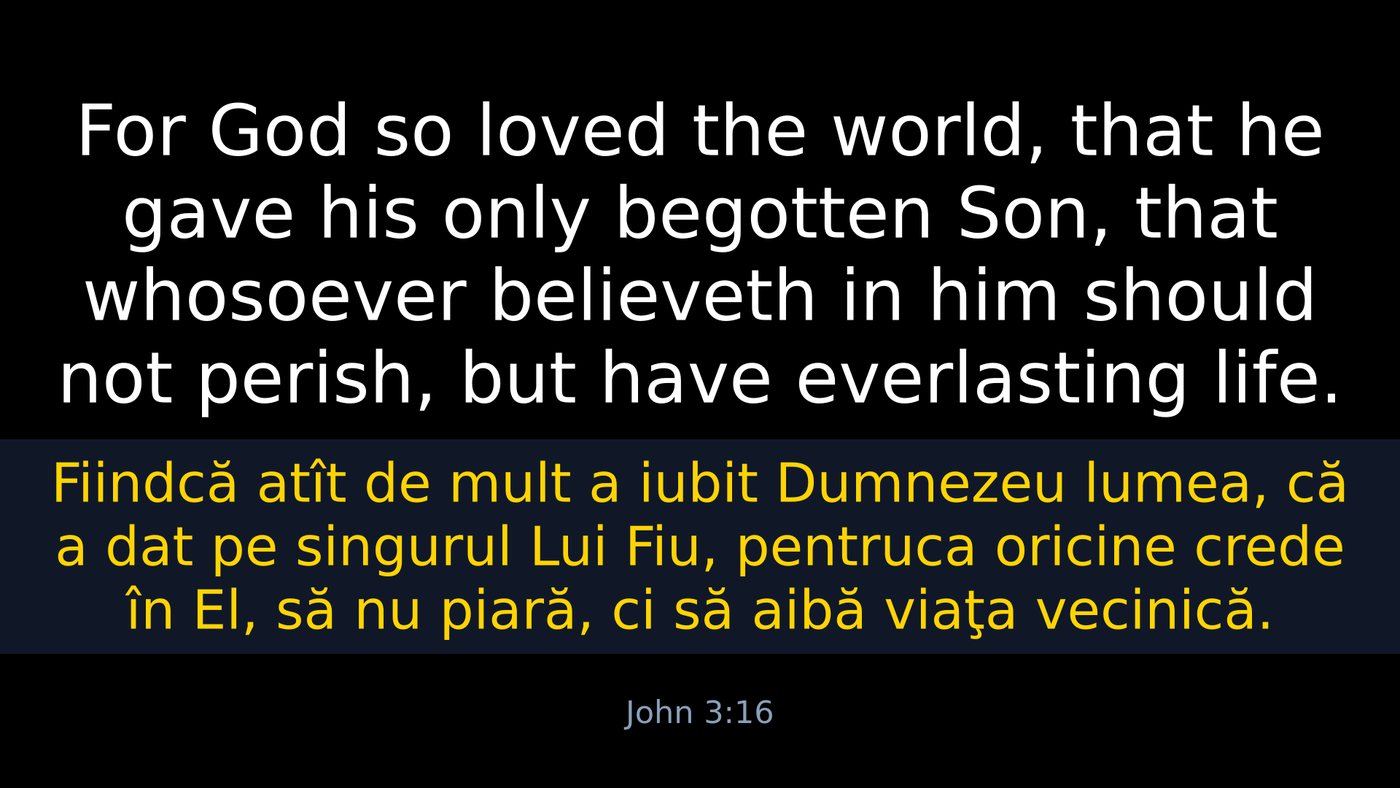
A projected verse: English in white above, Romanian in yellow below.
03

Two languages at once

Romanian over English, English over Romanian, or one alone. And the operator's own language is a separate question, answered separately.

  • Either order, swapped mid-service with one button
  • Each screen picks its own languages
  • Interface in English or Romanian, independent of what is projected
  • A way back if the interface ends up in a language nobody can read

How it works →

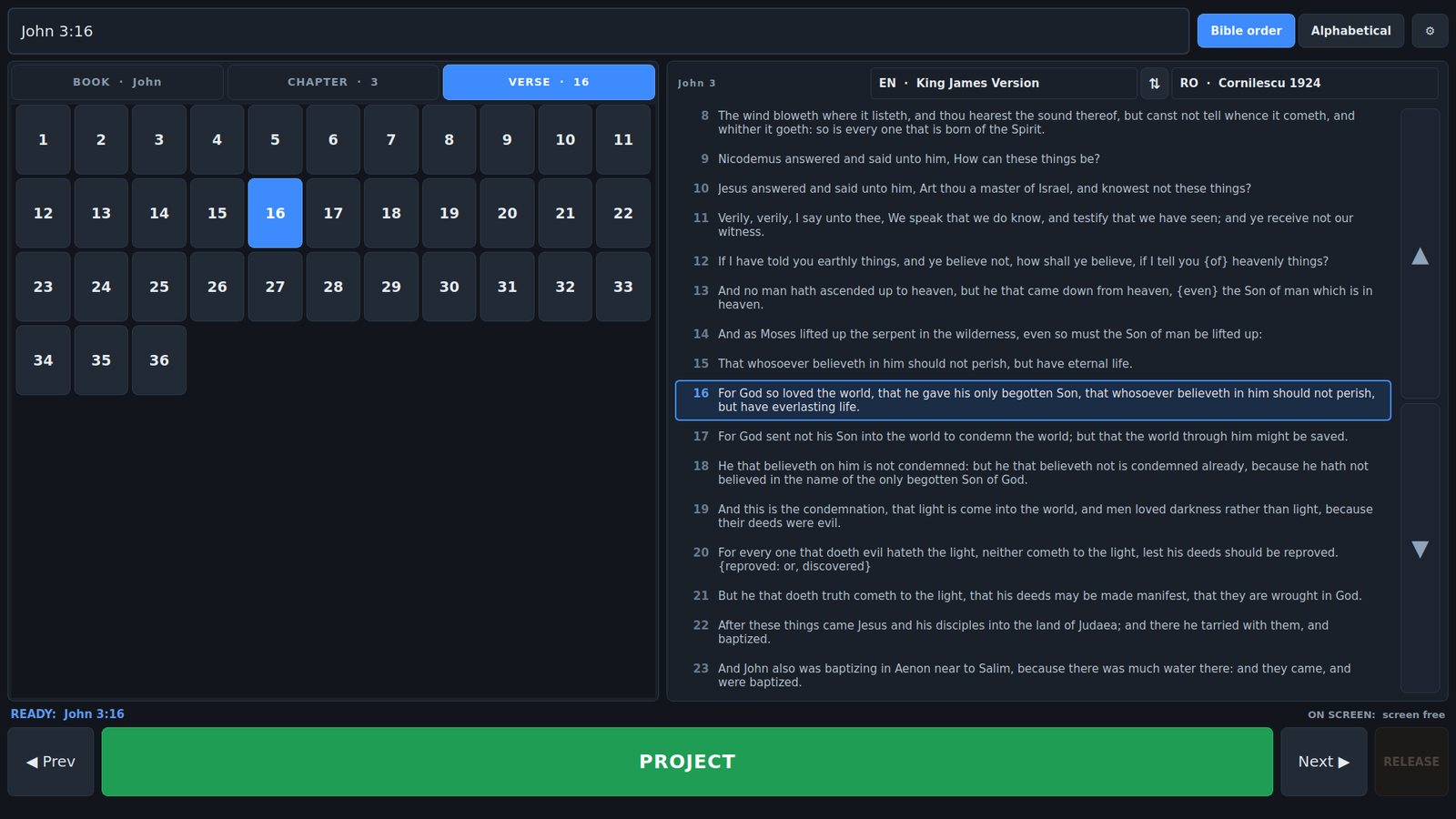
The interface in English while the passage being read is Cornilescu in Romanian.
04

Bible translations

Two translations ship with it, hundreds more install from inside the app, and five file formats import without conversion — including modules you may already own.

  • Cornilescu 1924 and the King James Version included
  • 1,294 free translations, browsable by language, installed in about ten seconds
  • Reads JSON, Zefania, OSIS, USFM and SoftProjector modules
  • Nothing to restart and no rebuild step

How it works →

The Bible library, where translations come in and go out.
05

Remote control

The person who should be driving the projection is rarely the person sitting at the PC. A tablet on the church network can do it from where the screen is actually visible.

  • Nothing to install on the tablet — a browser is the whole of it
  • Its own sign-in per person, no shared password
  • Its own reading language, per device
  • Settings cannot be reached from it at all

How it works →

Driving the projection from a tablet on the church network.
06

NDI and streaming

The verse as a video source in its own right — its own languages, its own resolution, and a transparent background that keys over live video.

  • Nothing to install; the library ships inside the app
  • Straight alpha, so no chroma key and no fringe
  • Its own colours and resolution, not a copy of a screen
  • Starts and stops in step with the projector

How it works →

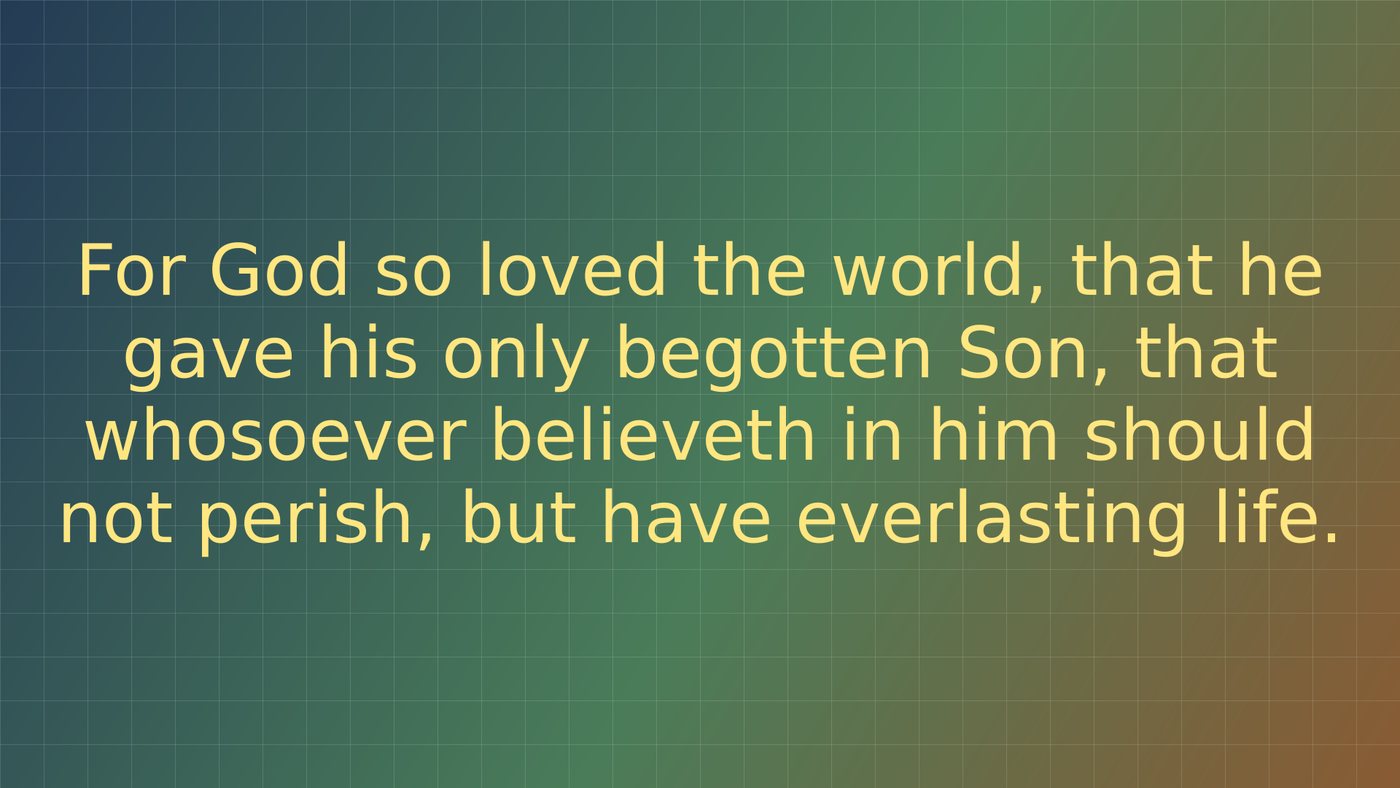
NDI output with a transparent background, composited over live video.